
In today’s fast-paced business world, efficiency and accuracy are crucial.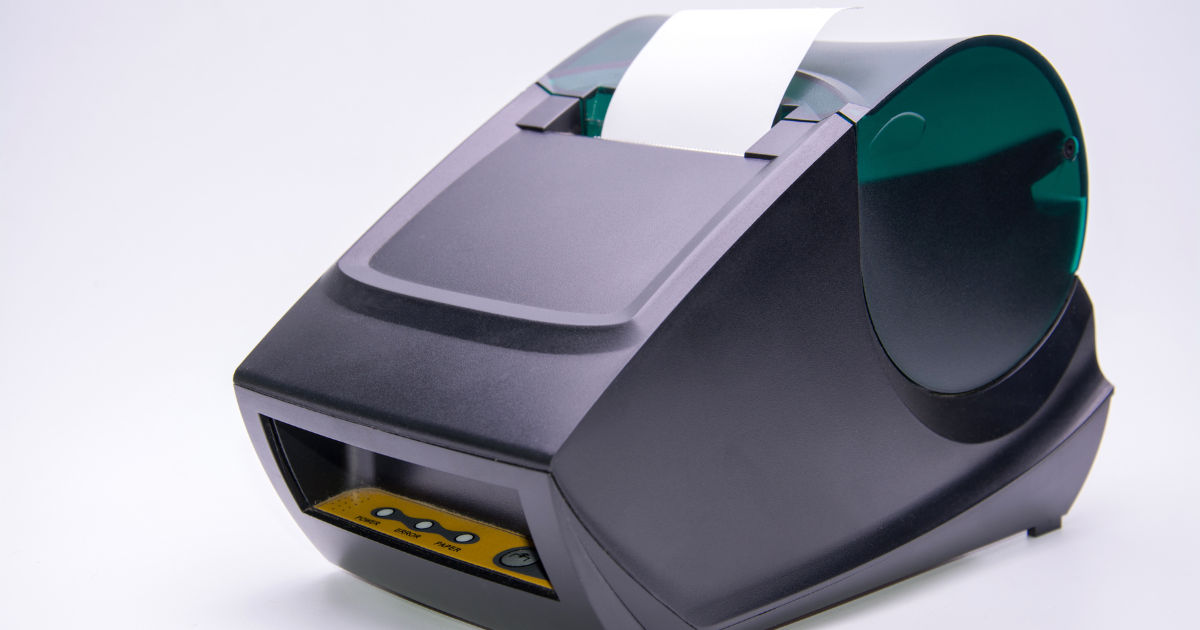
One tool that helps businesses achieve both is a barcode printer. Whether you’re managing inventory, shipping products, or organizing assets, a reliable barcode printer ensures that labels are accurate, durable, and easy to scan.
Choosing the right barcode printer is not just about picking the one with the lowest price; it requires understanding the features, capabilities, and long-term benefits that make a printer truly effective.
This guide will explore what makes a great barcode printer and how you can choose the best one for your business.
Barcode Printers
A barcode printer is a device designed to print barcode labels that can be read by scanners. These labels are used for tracking products, managing inventory, and automating many business processes. Unlike a regular printer, a barcode printer is specifically designed to produce high-quality, durable labels that can withstand various conditions, such as moisture, heat, and friction.
Barcode printers typically come in two main types: direct thermal and thermal transfer. Direct thermal printers use heat-sensitive paper to create labels, while thermal transfer printers use a ribbon to transfer ink onto the label. Each type has advantages depending on your business needs.
Types of Barcode Printers
Direct Thermal Printers
Direct thermal printers are simple and cost-effective. They do not require ink or ribbons. Instead, they use heat-sensitive labels that darken when passed over a thermal print head. These printers are ideal for short-term labeling, such as shipping labels or receipts. However, the labels may fade over time, especially when exposed to sunlight or heat.
Thermal Transfer Printers
Thermal transfer printers offer more durability and flexibility. They use a ribbon to transfer ink onto labels, which makes them suitable for long-lasting labels that need to endure harsh conditions. These printers are commonly used in manufacturing, healthcare, and logistics, where barcode labels need to remain readable for months or even years.
Desktop Barcode Printers
Desktop barcode printers are compact and designed for small to medium businesses. They are ideal for printing a moderate number of labels daily. They are easy to set up and operate and usually support both direct thermal and thermal transfer printing.
Industrial Barcode Printers
Industrial barcode printers are built for high-volume printing in demanding environments. They are larger, faster, and more durable than desktop printers. These printers are suitable for warehouses, manufacturing plants, and distribution centers that require thousands of labels per day.
Key Features of a Great Barcode Printer
When choosing a barcode printer, several features are critical to ensure it meets your business needs. Here are the main features to consider:
Print Resolution
Print resolution refers to the clarity and sharpness of the printed barcode. It is measured in dots per inch (DPI). Higher DPI results in clearer, more readable barcodes. Most barcode printers offer 203, 300, or 600 DPI options. For standard labels, 203 DPI is sufficient, but for small labels or high-density barcodes, 300 DPI or higher is recommended.
Print Speed
Print speed is important, especially for businesses that need to print large volumes of labels. Measured in inches per second (IPS), faster printers reduce waiting time and improve productivity. Industrial barcode printers often print 8–14 IPS, while desktop printers usually range from 2–6 IPS.
Label Size and Media Compatibility
A great barcode printer should accommodate various label sizes and media types. Some printers handle narrow labels for small products, while others can print wide labels for pallets and shipping. Additionally, check if the printer supports different media types, such as paper, synthetic labels, and tags.
Connectivity Options
Modern barcode printers offer multiple connectivity options, including USB, Ethernet, Wi-Fi, and Bluetooth. Depending on your setup, a printer with flexible connectivity ensures easy integration with your computers, network, or mobile devices. Wireless options can improve convenience and reduce cable clutter.
Durability and Reliability
A reliable barcode printer should be built to last, especially in industrial settings. Look for printers with a sturdy frame, metal components, and a proven track record of performance. Durability is crucial for minimizing downtime and maintenance costs.
Software Compatibility
Your barcode printer should be compatible with the software you use for inventory management, shipping, or point-of-sale operations. Many printers come with drivers and label design software, allowing you to create and print labels efficiently.
Ease of Use
Ease of use is a critical factor, especially for businesses without dedicated IT support. A great barcode printer should be easy to set up, operate, and maintain. Features like easy ribbon replacement, simple label loading, and intuitive controls make daily operations smoother.
Factors to Consider When Choosing a Barcode Printer
Choosing the right barcode printer involves more than just comparing specs. You need to assess your specific business needs and printing environment.
Volume of Labels
Start by estimating how many labels you will print daily, weekly, and monthly. High-volume operations require industrial printers, while low- to medium-volume needs can be met with a desktop printer.
Label Lifespan
Consider how long the labels need to last. Temporary labels, such as shipping tags, can use direct thermal printing. For long-lasting labels that must withstand moisture, chemicals, or outdoor conditions, thermal transfer printing is ideal.
Environment
The printing environment matters. Industrial printers are designed to handle dusty, hot, or humid environments. For office or retail use, a desktop printer may suffice.
Budget
Cost is always a consideration. While desktop printers are more affordable upfront, industrial printers provide long-term value for high-volume or demanding applications. Don’t focus solely on the purchase price; consider operating costs like ribbons, labels, and maintenance.
Brand and Support
Choose a reputable brand known for quality and support. Reliable customer service and warranty options ensure your printer will be supported in case of issues. Brands with global support networks are especially valuable for businesses with multiple locations.
Benefits of a Great Barcode Printer
Investing in a high-quality barcode printer offers numerous benefits that improve business operations.
Increased Efficiency
Printing accurate labels quickly reduces manual work and speeds up inventory management, shipping, and product tracking. Automation saves time and reduces human error.
Improved Accuracy
Barcode labels eliminate mistakes associated with manual data entry. Scanners read barcodes instantly, ensuring correct product identification and inventory tracking.
Enhanced Professionalism
High-quality labels give your products a professional look. Clear, durable labels reflect positively on your brand and instill confidence in customers and partners.
Cost Savings
A reliable barcode printer reduces waste from misprints, damaged labels, and returns caused by incorrect barcodes. Over time, these savings offset the initial investment in a quality printer.
Flexibility
Modern barcode printers allow businesses to adapt quickly to changing needs. Whether you need to print new product labels, shipping tags, or asset tags, a versatile printer can handle it all.
Maintenance and Longevity
A great barcode printer is not only about performance but also about longevity. Proper maintenance extends the life of your printer and ensures consistent results.
Regular Cleaning
Clean the print head, platen roller, and media path regularly to prevent dust and residue from affecting print quality. Most manufacturers provide cleaning kits and instructions.
Firmware Updates
Keep your printer’s firmware up to date to ensure compatibility with new software and improve performance. Firmware updates often fix bugs and enhance features.
Ribbon and Label Handling
Use high-quality ribbons and labels recommended by the manufacturer. Poor-quality media can damage the printer and reduce print clarity.
Professional Servicing
For industrial printers, schedule regular professional servicing to inspect mechanical parts, replace worn components, and prevent breakdowns.
Common Mistakes to Avoid
Even with the best barcode printer, mistakes in setup and usage can compromise performance.
Ignoring Label Specifications
Using labels that don’t match the printer’s specifications can cause jams, poor print quality, and wasted media. Always check compatibility before purchase.
Overlooking Printer Settings
Incorrect settings for label size, print speed, or darkness can affect readability. Take time to configure the printer correctly for your labels.
Neglecting Maintenance
Skipping cleaning or using low-quality media can shorten the printer’s life and increase downtime. Regular maintenance is crucial for consistent performance.
Focusing Only on Price
While affordability is important, choosing a cheap printer without considering features, reliability, and support can lead to higher costs in the long run.
Advanced Features to Look For
Some barcode printers offer advanced features that enhance functionality and convenience.
Auto-Cutter
An auto-cutter trims labels automatically, reducing manual work and improving efficiency. This feature is useful for high-volume printing.
RFID Compatibility
Some printers can print RFID labels, which combine barcode data with radio-frequency identification for advanced tracking and inventory management.
Multi-Interface Support
Printers with multiple interfaces (USB, Ethernet, Wi-Fi, Bluetooth) allow flexible connectivity and integration with various systems.
Touchscreen Control
Modern printers feature touchscreens for easier operation, allowing users to change settings, monitor status, and troubleshoot directly on the device.
Choosing the Right Barcode Printer for Your Business
To select the best barcode printer, follow these steps:
-
Assess Your Needs: Determine label volume, durability requirements, and operating environment.
-
Compare Printer Types: Choose between direct thermal and thermal transfer printers based on label longevity needs.
-
Evaluate Features: Check print resolution, speed, media compatibility, connectivity, and ease of use.
-
Check Reliability: Research brands, read reviews, and verify warranty and support options.
-
Consider Total Cost of Ownership: Factor in media costs, maintenance, and potential downtime.
By carefully evaluating these factors, you can invest in a barcode printer that delivers efficiency, accuracy, and long-term value.
Conclusion
A great barcode printer is more than just a device that prints labels. It is a strategic tool that enhances business efficiency, accuracy, and professionalism. By understanding the different types of printers, evaluating key features, and considering your business’s unique needs, you can choose a printer that meets both current and future demands.
Investing in a reliable barcode printer pays off through reduced errors, faster operations, and improved customer satisfaction. Whether you operate a small retail store or a large warehouse, selecting the right printer ensures that your labeling process is smooth, efficient, and dependable. Remember, the best barcode printer is one that fits your workflow, produces clear and durable labels, and supports your growth with minimal maintenance and maximum reliability.
By keeping in mind factors such as print resolution, speed, media compatibility, connectivity, and maintenance, you can make an informed decision that benefits your business in the long run. A high-quality barcode printer is an investment that streamlines operations, reduces costs, and strengthens your brand’s image in the marketplace.